How to track brand deals without a spreadsheet
Talby · September 21, 2026
You start the year with a clean spreadsheet. Every brand, every rate, every due date, all in one tab. By March it is already a little out of date. By summer you are updating it the night before a call, and you are not even sure the numbers are right. You do not have a tracking problem. You have a spreadsheet problem. Plenty of creators run years of paid brand work on one, and plenty quietly stop updating it. This guide covers what you actually need to track, why the sheet keeps failing, and what a finished tool changes.
What you actually need to track
A brand deal is four different things that happen at four different times. Keeping them straight is the entire job.
- Pipeline. Who is being pitched, which brands said yes, and which deals are still in conversation. This is where you decide what to say yes to next.
- Deliverables. What you promised and when it is due. The post, the story, the deliverables list, and the deadline.
- Invoicing. Whether you have billed, how many ways the money is owed, and when it is expected. This is the part that usually slips.
- Rate history. What each brand paid you and the terms you agreed. Your next rate card is built from this, not from memory.
The honest version is that you are tracking money and time, and the medium you use has to survive being ignored for a week.
Why a spreadsheet stops working
A spreadsheet is a blank canvas. That is its strength and its weakness. Every system you built on it is held up by one thing: you remembering to open it. The moment you miss two weeks, three things go wrong at once.
- There is no place that tells you what is overdue. You have to scan every row every time.
- Money and content live in different tabs or different files, so nothing reminds you that a deliverable is due and the invoice is not paid.
- Recurring posts mean typing the same row over and over, which you stop doing.
- Nothing checks your work. A wrong number looks exactly like a right one.
None of this is a discipline failure. A tool that needs you to maintain the tool is not a tool, it is a second job.
The alternatives, honestly
Three directions are popular. Each works, and each has a real tradeoff.
- A Notion template. You buy or build a system, then you maintain it. Flexible, but the building and the maintaining are on you, and the money stuff is still a table you have to remember to update.
- A deal tracker or CRM. Great at moving a deal through stages. Most stop at "closed." They do not follow the invoice out the door, and they are not built for content.
- A small business tool. Invoice and bookkeeping tools are solid at money. They do not know your brand deals or your content calendar, so the business side and the posting side stay split.
The common gap is the same one the spreadsheet has: it asks you to keep two worlds connected by hand.
How a command center fixes it
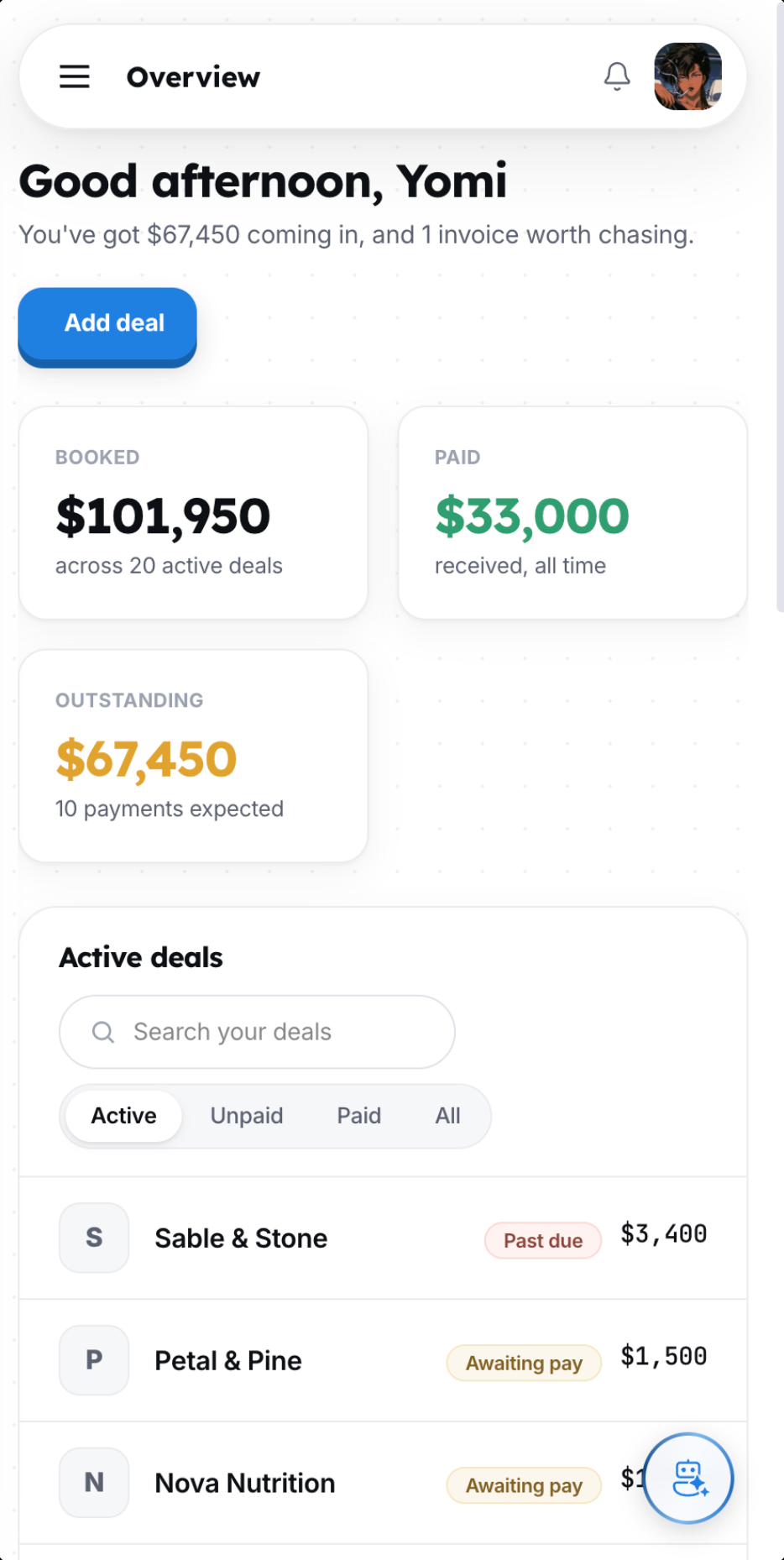
A command center is the opposite of a blank canvas. The structure is already built, and it holds the deal, the money, and the content together. You add what is true and it keeps the rest current.
- Every deal is one place: brand, value, status, due date, deliverables, checklist, and notes.
- Money follows all the way through: expected, overdue, and received. Mark a payment received and your totals update live.
- The calendar fills itself in. Set a weekly post once and it repeats. Drag it to reschedule. Payments show up as chips on the right day.
- Bring your existing deals over. Drop in a spreadsheet or connect Notion and Talby reads your columns for you.
- On the paid plan, an assistant answers questions from your own data, like how much you are owed or what a contract clause says.
The point is not more features. The point is that nothing waits for you to remember it.
How they compare
| What it is | Money tracking | Content calendar | Setup |
|---|---|---|---|
| Notion template | You maintain it by hand | You build it yourself | Build first, then use it |
| Spreadsheet | A table you have to scan | Not connected | Free, but maintained by hand |
| Talby | Expected, overdue, received | Repeats fill themselves in | Finished. Add a deal and go |
Keep reading
Start for free
Talby is free up to five active deals. If you have fewer than that right now, it stays free. When you pass five, it means business is good, and a paid plan removes the cap and adds the assistant.
Start free on talby.ioThis is a guide to tracking creative work, not legal or tax advice. Talby helps you run your brand deals. It is not an accountant.